
The Art of the Possible

Meet Lumi

How one person and AI built a voice concierge in four weeks, and how you can build your own.

QR code for the repo

Follow along:

github.com/ckellum/
build-your-own-lumi

A big event in a building
most people have never been in.

~200attendees
2floors
30rooms and spaces
80schedule items over 3 days

“Where is my next session?” gets asked a thousand times.

The idea: a concierge
you just talk to.

1 · Scan

Your badge

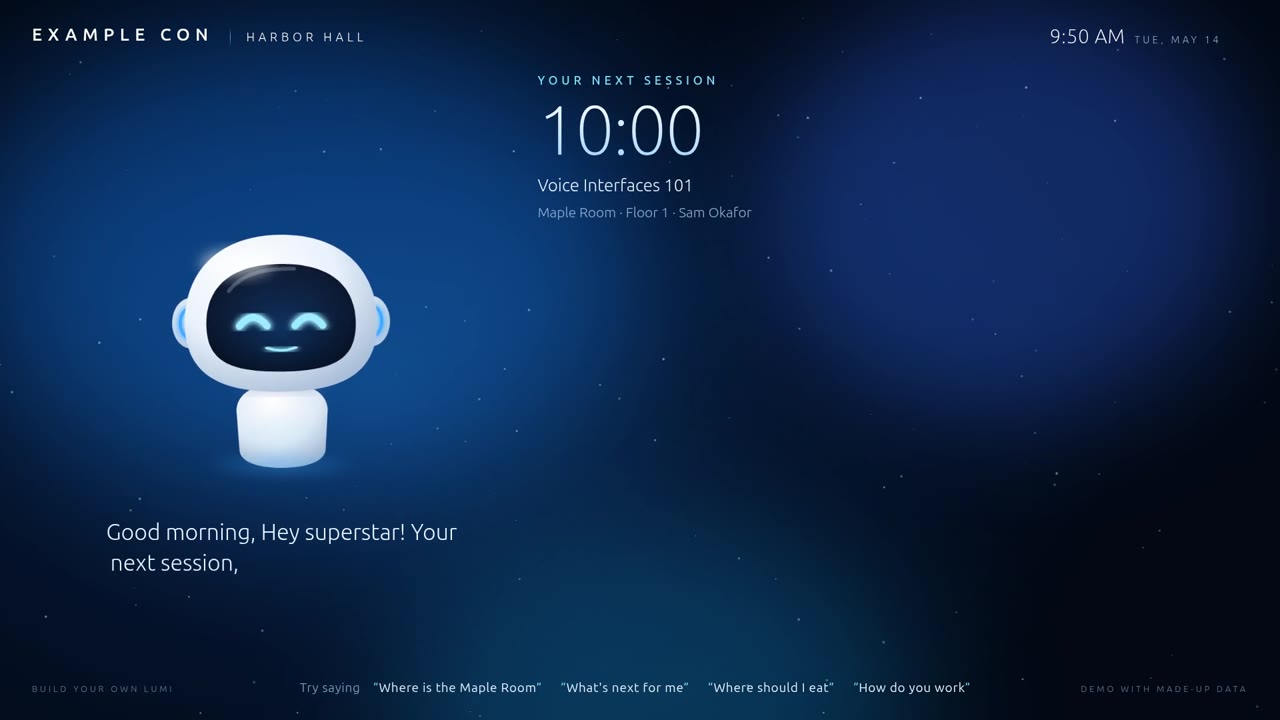
She greets you by name, and knows your next session.

2 · Ask

Out loud

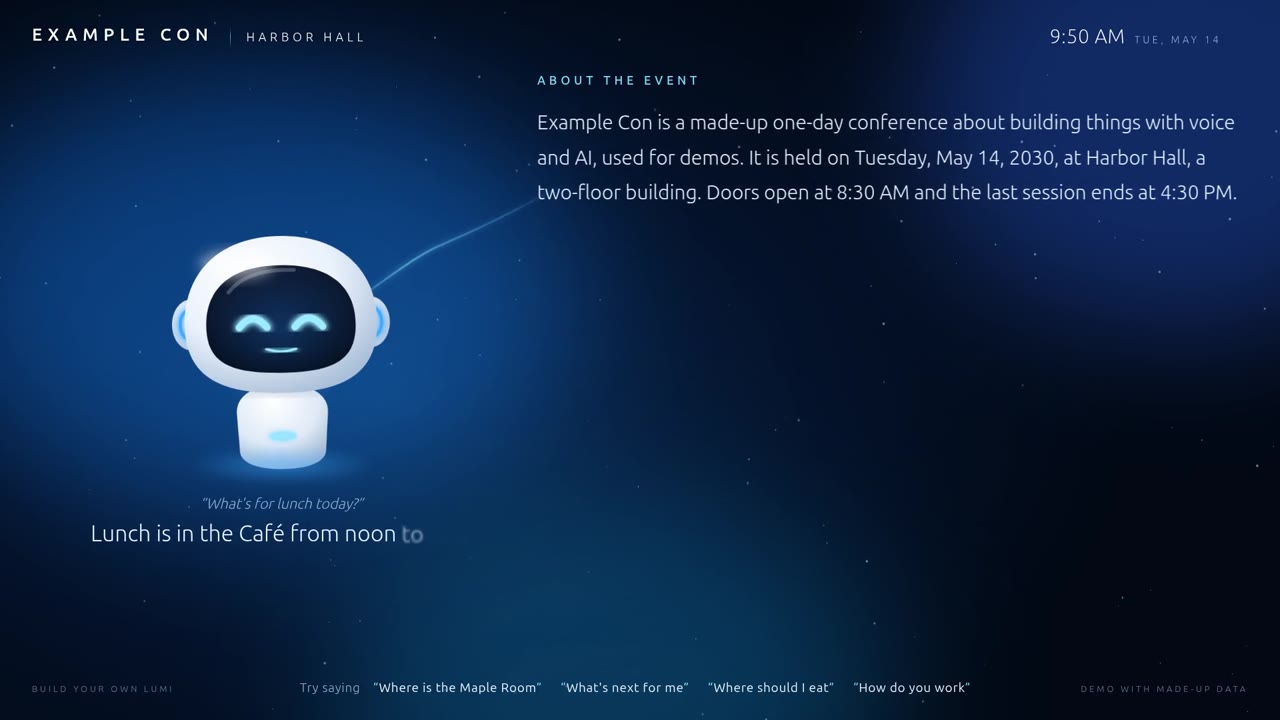
“Where's lunch?” “What's on at two?” “Where's the Maple Room?”

3 · Go

She shows you

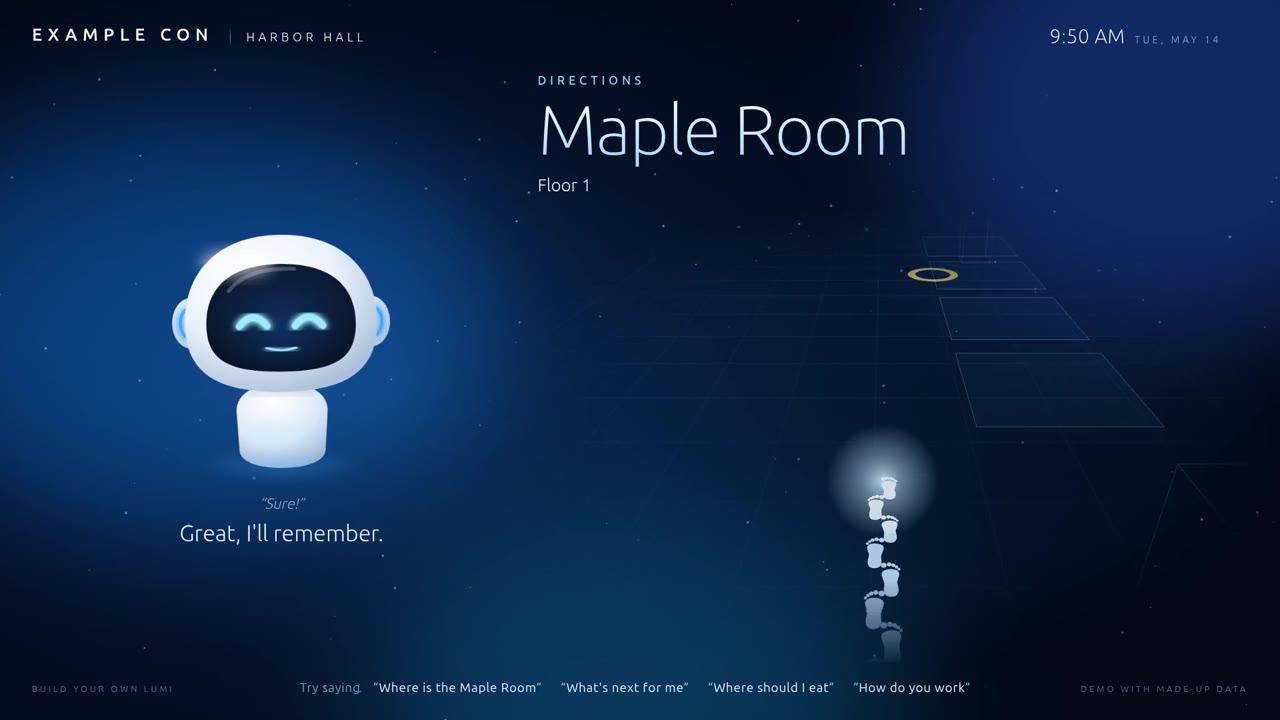
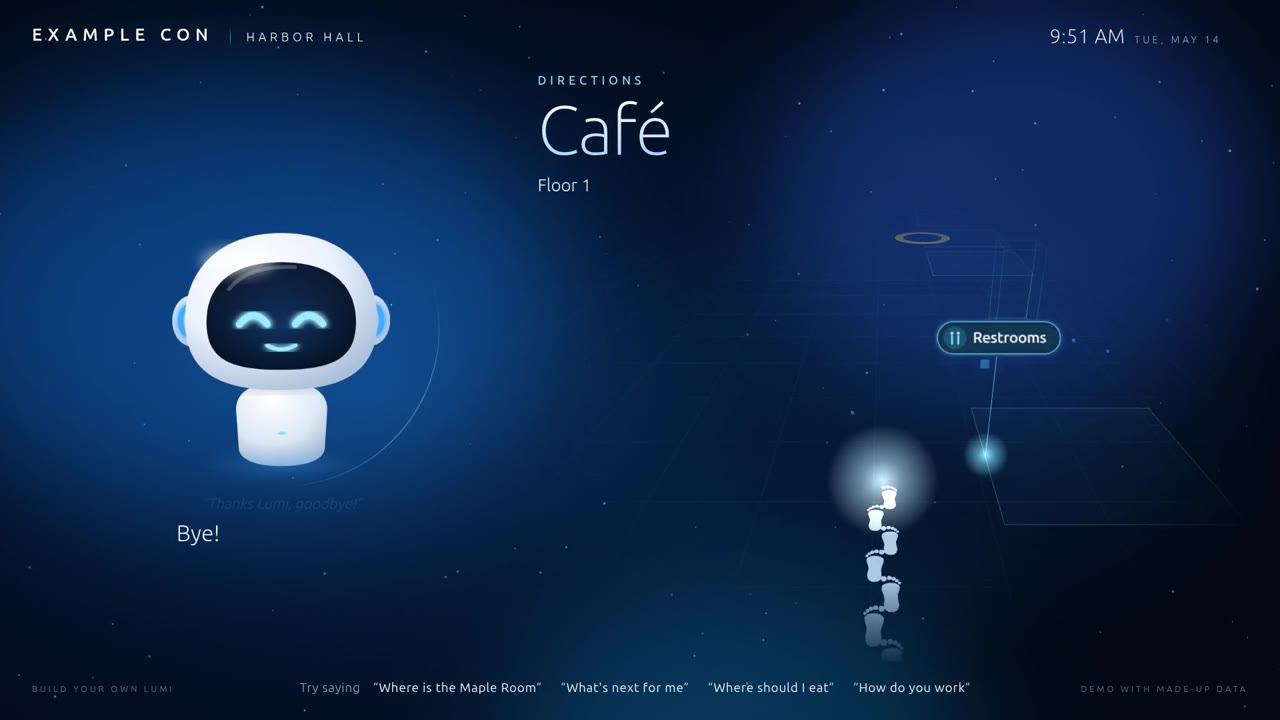
A 3D hologram route to the room, from right where you're standing.

No app. No login. No typing.

Four rules from day one.

Voice only

The screen is display-only.

No touchscreen. Your voice drives everything.

Listens only in a visit

The mic opens at your scan.

It closes at goodbye. Nothing is captured while she's idle.

Everything local

One box. No cloud.

Every model runs on the computer next to her. Your voice never left the building.

Remembers with permission

Only if you say yes.

She asks before remembering you, and keeps a short summary, never a recording.

A real visit
media/lumi-visit.mp4

What just happened.

Scan → greeted by nameBadge ID → roster → next session
A question, answeredSpeech → model → voice, with a panel
“Show me the way”A 3D route, drawn live

Six steps, one relay race.

BadgeQR scanner Hearshotgun mic Parakeetspeech → text ThinkQwen · llama.cpp Kokorotext → voice ShowChrome kiosk

The hardware: one box, no cloud.

The brain

NVIDIA DGX Spark

GB10 chip, 128 GB of unified memory. Runs speech-to-text, the language model and the voice, all at once.

  • Shotgun mic, aimed at the visitor, back to the crowd
  • Speakerphone as her speaker
  • USB QR scanner: it types like a keyboard
  • A big screen running Chrome in kiosk mode
Beginner

Everything you saw ran on that one computer.

Intermediate

Three model servers, each speaking the OpenAI API, on one machine.

Expert

The kiosk app is stdlib-only Python: no numpy, no evdev library, nothing to break.

Hearing: when is harder than what.

Parakeet turns speech into text very well. Knowing when a visitor has finished, in a crowd, is the hard part.

Beginner

She listens to how loud the room is, all the time. You have to be clearly louder than the room.

Intermediate

Start at 4× the room level, keep going above 2×, stop after a short silence. “Hi Lumi” also starts a visit.

Expert

Room level = 20th percentile of the last 1.5 s, re-measured continuously; a turn must peak above a fixed floor, too.

Thinking: a cheat sheet and a personality.

The system prompt (same for everyone)

Persona, event facts, every room, every session, lunch menus, the building, nearby restaurants.

The first message (just you)

Your name, the time, your next sessions, and what you talked about last time, if you said yes.

Beginner

The AI only knows what we tell it. So we tell it everything about this event.

Intermediate

She adds little tags to her answers, like [show:route:R102], that tell the screen what to show.

Expert

Identical system prompt = reusable prompt cache. Per-visitor data in the system prompt would make every visitor wait.

Showing the way, in 3D.

No CAD files. Just phone photos of the fire-exit maps on the walls.

Shown here: the made-up demo building. The real floor plans stay private.

  • Both floors traced into a 3D model
  • A route to every named room, plus restrooms
  • Drawn live as a blue hologram

How it was built: think, write, plan, test, review.

1

Brainstorm

AI asks questions, one at a time, until the idea is clear.

2

Spec

A written design I approve. Sep 15.

3

Plans

Four plans: foundation, visit engine, screen, 3D directions.

4

Test first

Every feature starts as a failing test.

5

Review

Fresh-eyes reviews per task and for the whole branch.

Then: rehearse on the real hardware. Fix. Repeat.

4weeks
Sep 15 → Oct 13
191commits
866automated tests
1person
+ an AI coding agent

Who did what.

I decided

Taste, people, the real world

  • The rules: voice only, local only, opt-in memory
  • Her personality and voice
  • Who gets a surprise, and what it says
  • Room photos, the maps, the hardware, the mic
  • Every “ship it”
AI did

The heavy lifting

  • Wrote the code and all 866 tests
  • Drafted the specs and plans for me to approve
  • Reviewed its own work with fresh eyes
  • Built test benches (crowd noise, timing)
  • Badge labels, recordings, these slides
01

The 21-second hello

Nobody waits 21 seconds at a kiosk.

What happened

21.6 s to the first word: the model re-read thousands of tokens of event data for every visitor.

The fix

One identical prompt, warmed at startup, with cache checkpoints in the right place: ~0.5 s.
02

The bug that passed eleven reviews

Lip sync broke on every multi-sentence reply.

What happened

Queued sentences start in the future. A symmetric “sanity” clamp threw their timing away.

The fix

Asymmetric bounds (stale 5 s, ahead 60 s), and a review of the whole branch, not just each task.

03

One voice in a crowd

Quiet room: perfect. Hallway: she answered strangers.

What happened

Fixed loudness thresholds. The crowd kept starting turns.

The fix

Replayed 75 s of real crowd noise while tuning. Visitor peaks 6,000–19,000 vs. crowd ≤ 1,833. Shotgun mic, back to the crowd.

04

The computer that turned itself off

Twice. No logs. No warning.

What happened

Sustained AI load caused power spikes on older firmware. Hard power-off.

The fix

GPU clock capped at boot by a service; test load kept to one request at a time.

05

QR codes vs. screens

Badges on a screen took forever to scan.

What happened

Glare and screen refresh confuse the scanner.

The fix

Printed on matte labels, ~5 cm, highest error correction. Instant reads.

06

The silent speaker

She was talking. Nobody could hear her.

What happened

The USB speaker came up at 0% volume after every reboot.

The fix

Volume set at startup, plus a self-check that fails on a muted speaker. Rehearse on real hardware.

Personality is in the small touches.

Say names right

A pronunciation list

“Nguyen” → “Win”. And some phrases just don't work: “Uh oh” was misread, “Oh no” wasn't.

Name tags

Greetings people chose

Nicknames and a playful hail, once a day per badge, from what people put on their name tags.

Titles

“Your Grace”

Used naturally in conversation, not stapled onto every sentence. We tried that. It was worse.

First-visit shows: scripted, once, unforgettable.

Flight

The Wright brothers

Test small, fly again: a lesson in shipping often.

Throne

The Iron Throne

It rises behind Lumi. She keeps the crown.

Game show

The grand prize

The final question's answer is the visitor.

Carpet

A magic carpet

Lumi flies in, a little dizzy.

Confetti

“The Grenade”

A countdown, then confetti.

No AI improvising.
Every word reviewed.

Build your own, on what you have.

All local, biggest models
Workstation

64 GB+ unified memory or a 24 GB GPU

Hear
Whisper / Parakeet server
Think
llama.cpp
Speak
Kokoro server
Start here
Laptop

32 GB RAM or an 8–12 GB GPU

Hear
faster-whisper
Think
Ollama, small model
Speak
Kokoro on CPU
No GPU
Cloud

Any computer, API keys

Hear
Cloud speech-to-text
Think
Claude
Speak
Cloud voice

Tested end to end: workstation ≈ 1.3 s, laptop ≈ 1.5 s from question to answer.

Nine steps.
Your hardware.
Your depth.

  • Pick workstation, laptop or cloud: every command changes
  • Beginner, intermediate or expert explanations
  • A starter kit: ~1,000 lines of Python
  • Every lesson from this talk
  • Not just events: a personal assistant, front desk, help desk, museum guide
Build your own Lumi

Thank you.

QR code for the repo
github.com/ckellum/
build-your-own-lumi

Site, starter kit, and every lesson.

Questions?